 Old Photo Studio
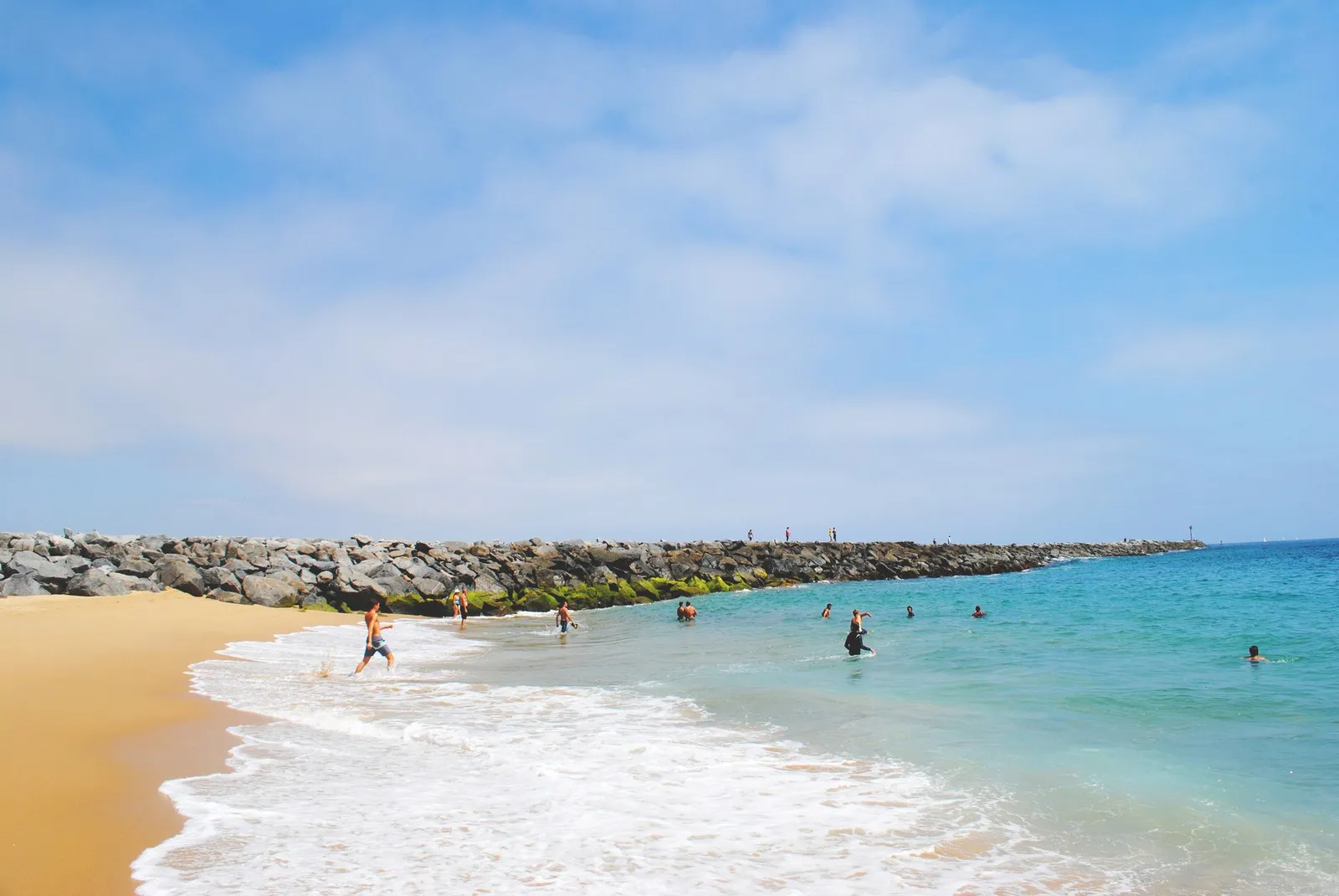
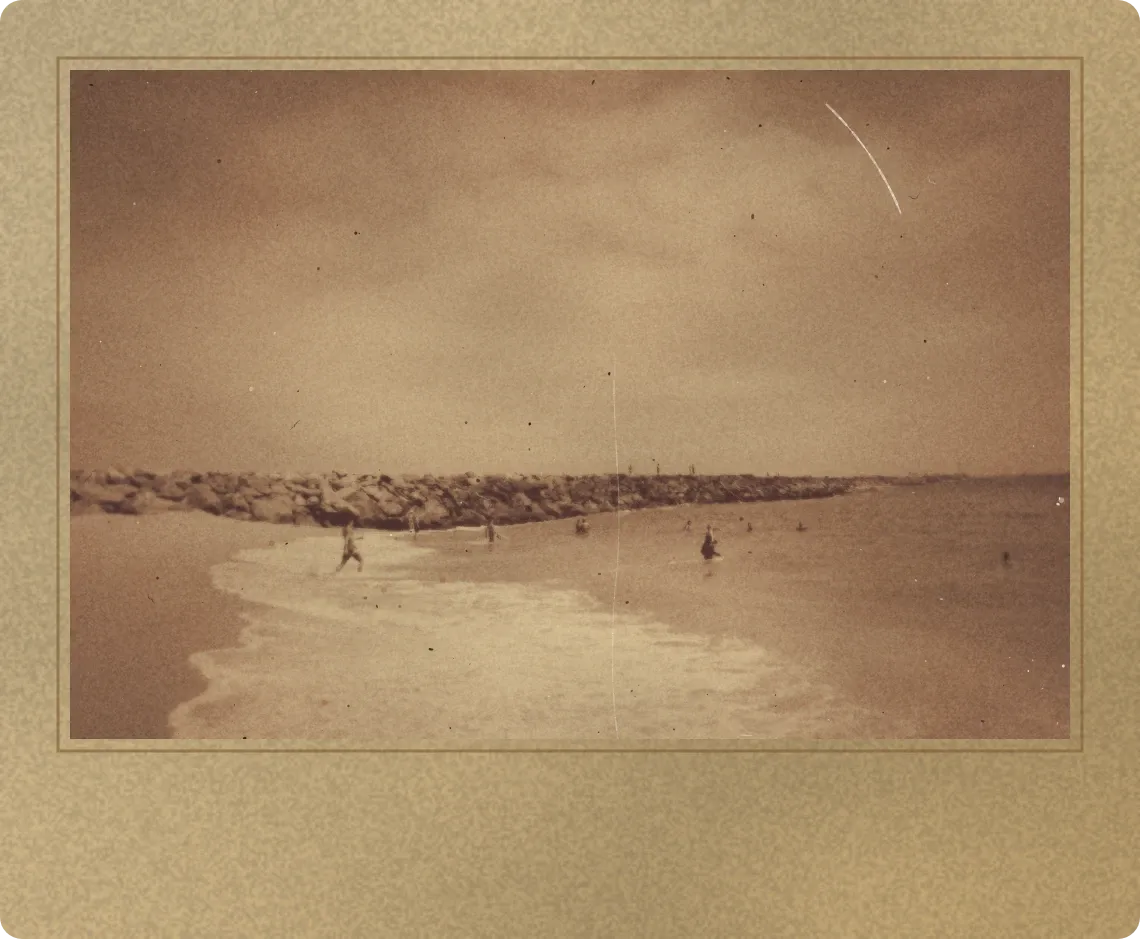

Quick answer:
- Choose a photo. The “Sepia portrait card” look is already selected.
- Set how old it looks, how much grain it has and how many scratches it shows.
- Switch “Border” off if you don’t want the card mount.
- Save it as a PNG.
It’s free, with no sign-up and no watermark, and your photo stays on your device.
What sepia toning was
Black-and-white photographic prints are made of fine silver. The US National Park Service’s museum handbook says such silver images have “a neutral black image color, unless toned with gold, sepia, selenium, or hand-colorant”.
Sepia toning changes that silver chemically. A paper for the American Institute for Conservation explains that in sepia toning “the silver image material is deliberately converted into silver sulfide”, and that silver sulfide “is a very inert material”. That is also why toning was used to make prints last longer. A conservation paper from the National Museum of Denmark says that when enough of the silver is converted to silver sulfide, the image “should not discolour” even in air with a lot of oxidising gases.
So the brown of an old toned print came from chemistry. Today, “sepia” is also the everyday name for that warm brown look. The J. Paul Getty Museum notes that the earliest photographs are “often associated with small, faded, sepia-toned images”.
Is a sepia filter the same as sepia toning?
No. Our sepia filter changes the colors of the picture on your screen to warm browns, and adds soft grain, a little fading and, if you want, scratches and a card mount. Real sepia toning was a chemical change in a paper print. The filter gives the look, not the chemistry.
Other warm looks to try
- Soft early snapshot (box camera, 1910s): warm grey, soft, with dark corners.
- Dark metal photo (tintype, 1860s): dark, warm grey, in an oval mat.
- Faded color print (1960s): for an old color look instead of brown.
All 15 looks are on Make a photo look old.
Tips
- Strong light and shade give the richest sepia: a sunny scene works better than a grey day.
- Set Scratches to Less for a clean toned print, or raise it for a worn one.
- Modern things give the age away, such as cars, phones or screens.
Honest use
This adds an old look. It isn’t a real old photo. Please don’t present an edited photo as a real historical one.
Questions
Is the sepia filter free?
Yes. There’s no sign-up and no watermark.
Is my photo uploaded?
No. The filter runs in your browser, and your photo stays on your device. The saved PNG carries none of your photo’s hidden data, such as location, camera or date.
Can I turn an old sepia photo into color?
Yes. Colorize black and white photos suggests colors for black-and-white and sepia photos. The colors are a guess.
Sources
- US National Park Service, Museum Handbook Part I, Appendix R: “Photographic Collections” (PDF). https://www.nps.gov/subjects/museums/upload/MHI_AppR_PhotographicColl.pdf (read November 9, 2026)
- Rogge and Bezur, “19th Century Photography in a Modern Chemistry Lab”, Topics in Photographic Preservation, vol. 15 (2013), American Institute for Conservation, Photographic Materials Group (PDF). http://resources.culturalheritage.org/pmgtopics/2013-volume-fifteen/12-T15_Rogge.pdf (read November 9, 2026)
- Johnsen, “Archival processing of black-and-white photographs as preventive conservation”, National Museum of Denmark (PDF). https://cool.culturalheritage.org/iada/ta95_123.pdf (read November 9, 2026)
- J. Paul Getty Museum: “Nineteenth-Century Photography”. https://www.getty.edu/art/exhibitions/19_century_now/index.html (read November 9, 2026)